Secure Login GUI

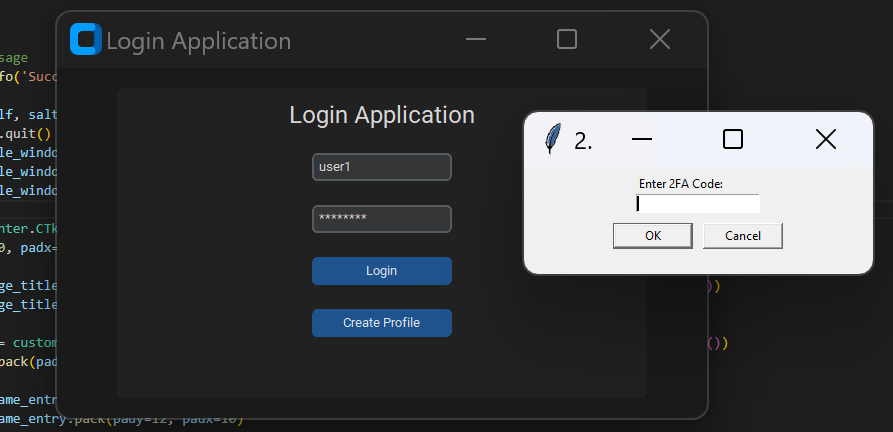
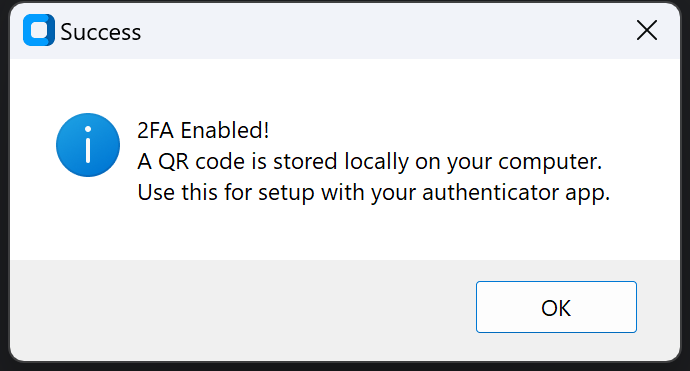
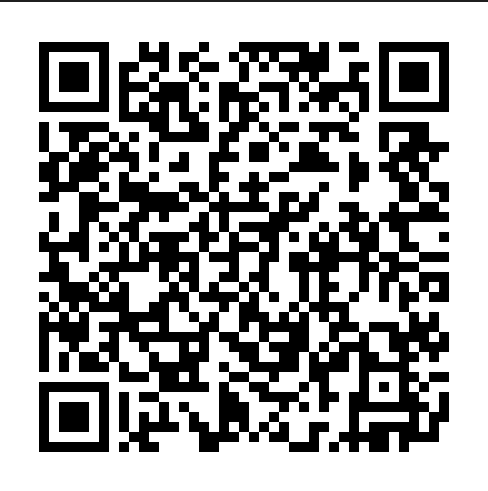
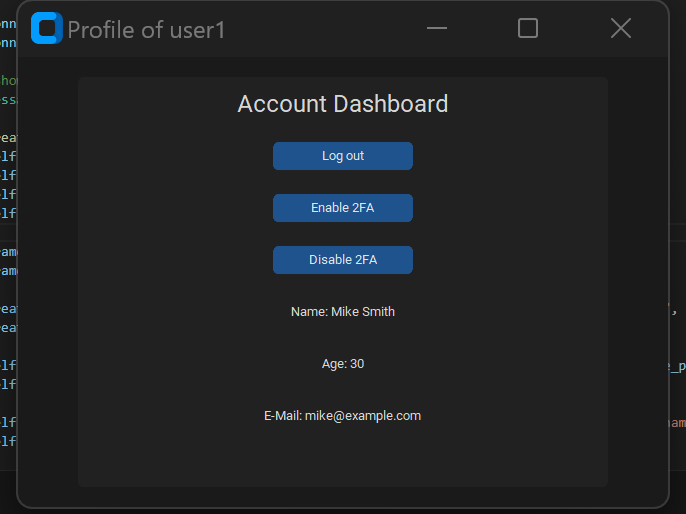

This project was built upon the fundamental cryptography skills I had developed from my password manager repository and helped me go into cryptography more in depth. The program works by presenting the user with a login screen, prompting the user for a username and password. If both fields are correct and 2FA is disabled, the user is taken straight to their account dashboard. They can do a variety of things from this screen (View account data, enable/disable 2FA and Logout). This is a very primitive account dashboard, however I wanted to focus on creating a secure login system rather than what they can do once logged in. If they have submitted the correct details and 2FA is enabled, they are then prompted for a code which they will recieve from their authenticator app on a seperate device. If any details are incorrect then they are unable to have access to the account dashboard until their details are correct.
Security wise, when the program initialises, the key is created and is encoded. When the user submits their details to log in the program searches the database until they find or don't find the user submitted. If a user is found then the program retrieves the stored hashed and salted password from the database and checks if the encrypted password the user provided is the same as the password in the database. If the passwords match they may require their one-time 2FA code if setup. If all data is correct s far then this will give them access to their account dashboard. The state of 2FA is stored within the database for each user and will update whether the user wants it enabled or disabled. When the user wants to create a new account, the program retrieves the data that was submitted by the user. Gives them a default 2FA state of 0 (Disabled). It will then validate the data on the following requirements:
- - Usernames must contain appropriate characters
- - Passwords must be greater than or equal to 8 and must contain letters and numbers.
- - There is a comfirm password field which improves data integrity (Passwords must match).
- - Names must only include letters.
- - Age must be between 1 and 120
- - Emails can only contain letters and certain special characters followed by an '@' and a bit of text followed by '.' and a few more letters.
If all the data meets these requirements, the password is then hashed by the program and all data is inserted and stored onto the database.
I also learnt other really helpful aspects when working on this project:
- - Further cemented my understanding of Tkinter
- - The ability to create modern GUIs (Custom Tkinter)
- - How to prevent SQL injection
- - How to make a SQL database more secure
- - Salting
- - Hashing
- - Data Validation
- - Error Handling
- - QR code manipulation
This program can:
- - Program checks if user is in the database.
- - User can create an account through the program.
- - User can navigate through GUI pages in the program.
- - Seperate account dashboard for each user.
- - 2FA
- - A well designed, visually appealing GUI.
- - Data Validation
- - Password Hashing + Salting
- - And more.
Languages used during the development of this project:
- Python