Full-stack · Security · Team project
Accessible Gaming Platform
AccessPlay helps players with disabilities find mobile games that work for them: filter by visual, hearing, dexterity and cognitive features, read reviews about accessibility, and set preferences that restyle the whole site. I built it with four teammates at Cardiff University and owned the security hardening, the admin dashboard and the CI/CD pipeline.
- TypeScript
- React
- NestJS
- PostgreSQL
- Terraform
- Jenkins
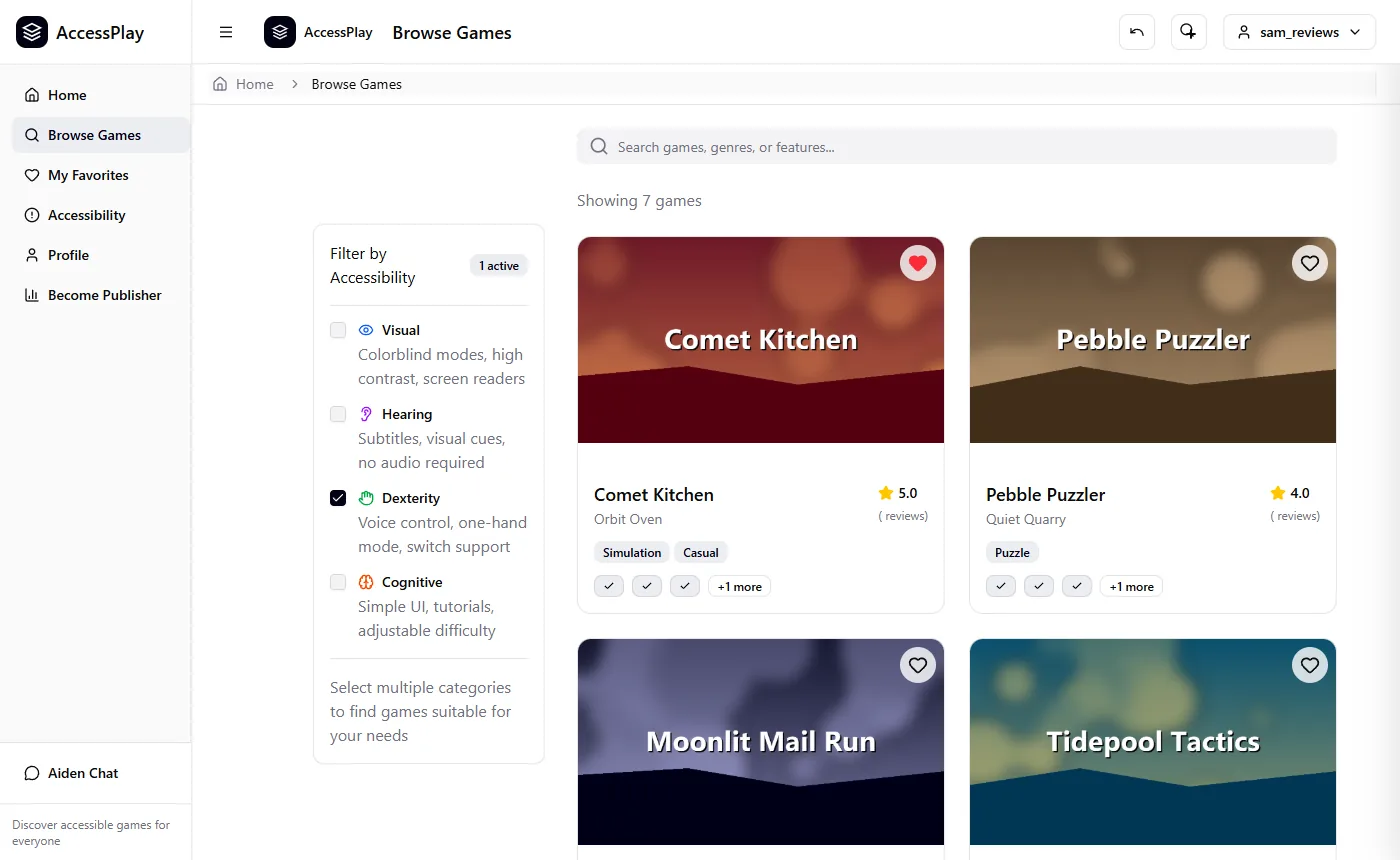
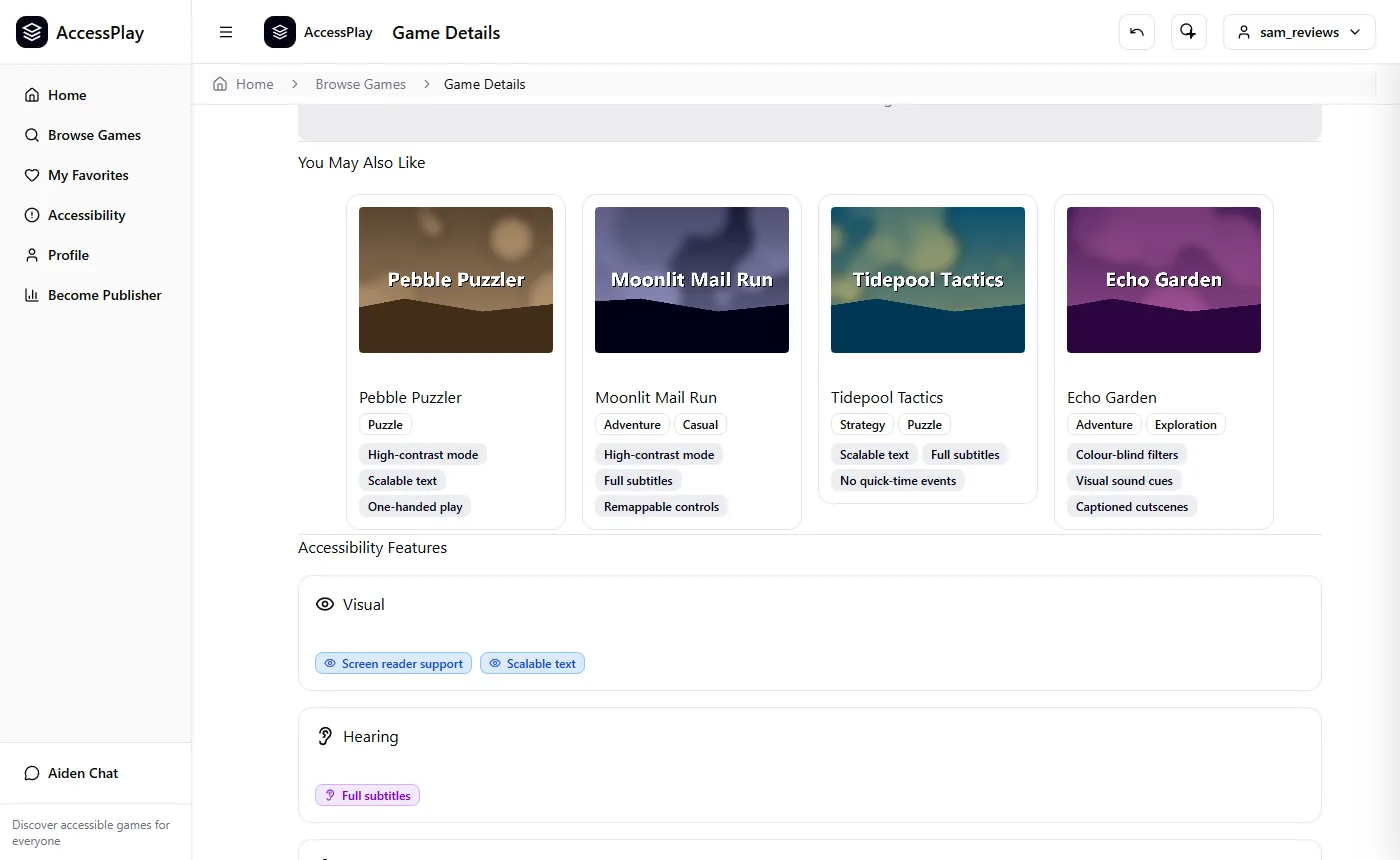
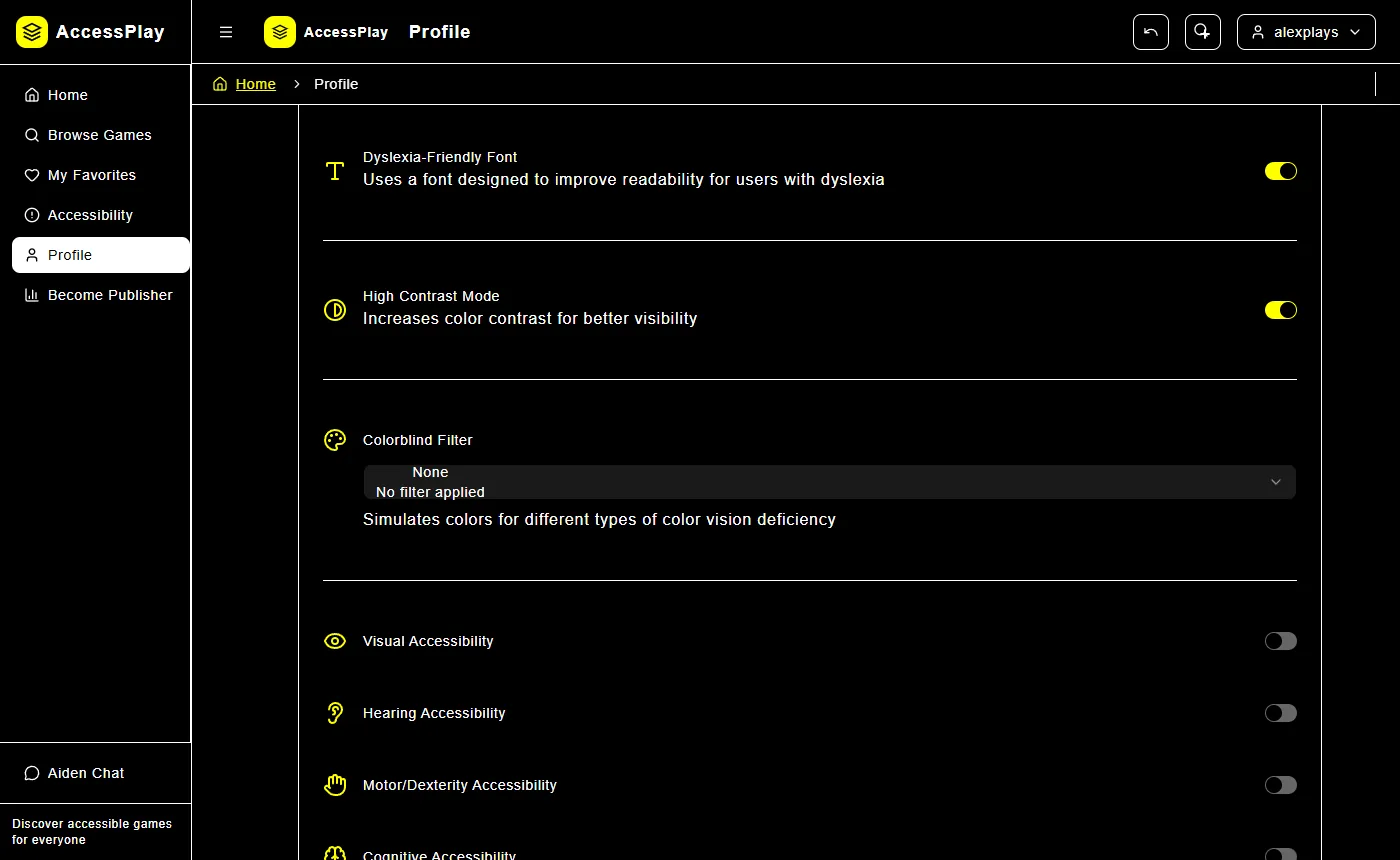
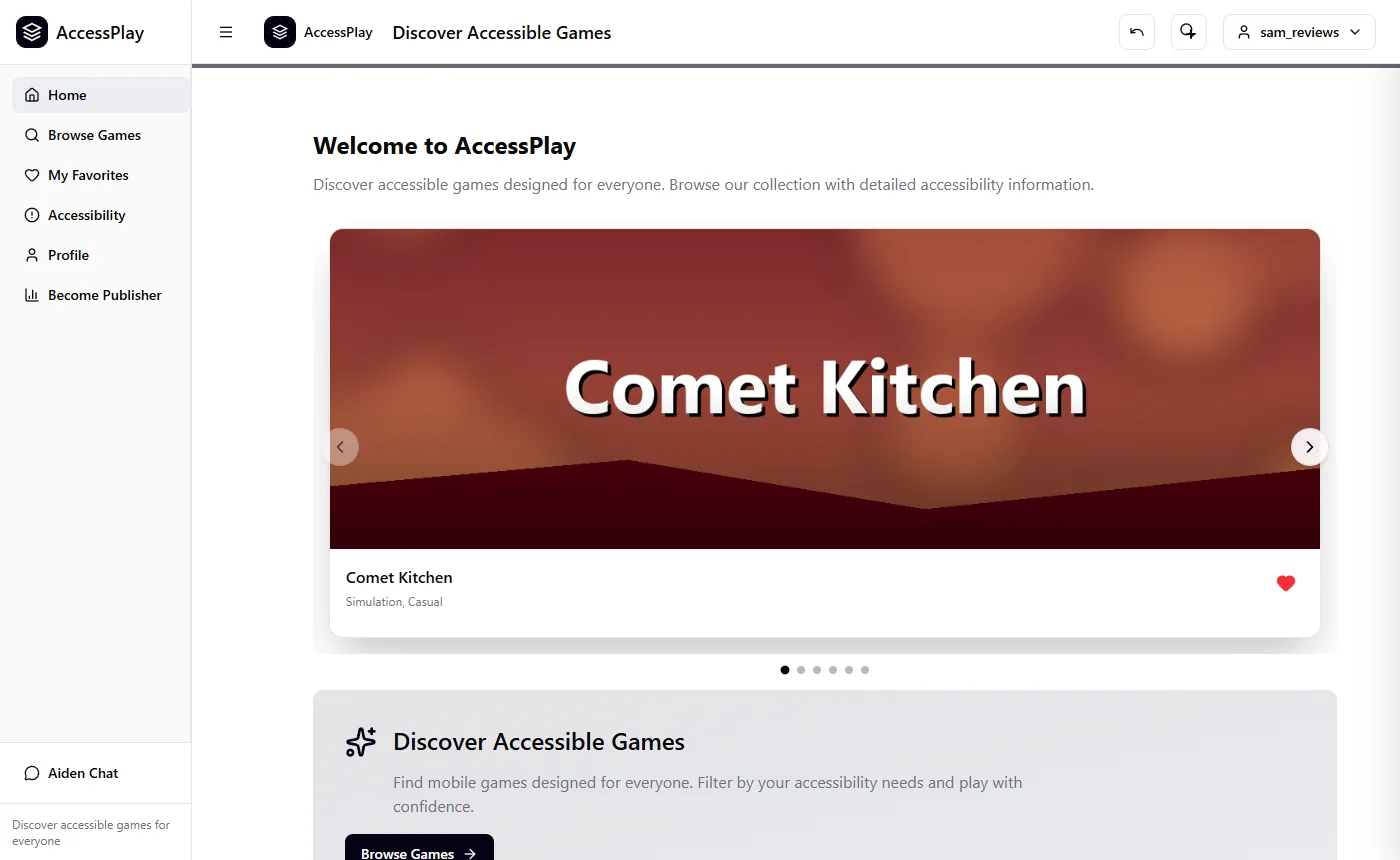
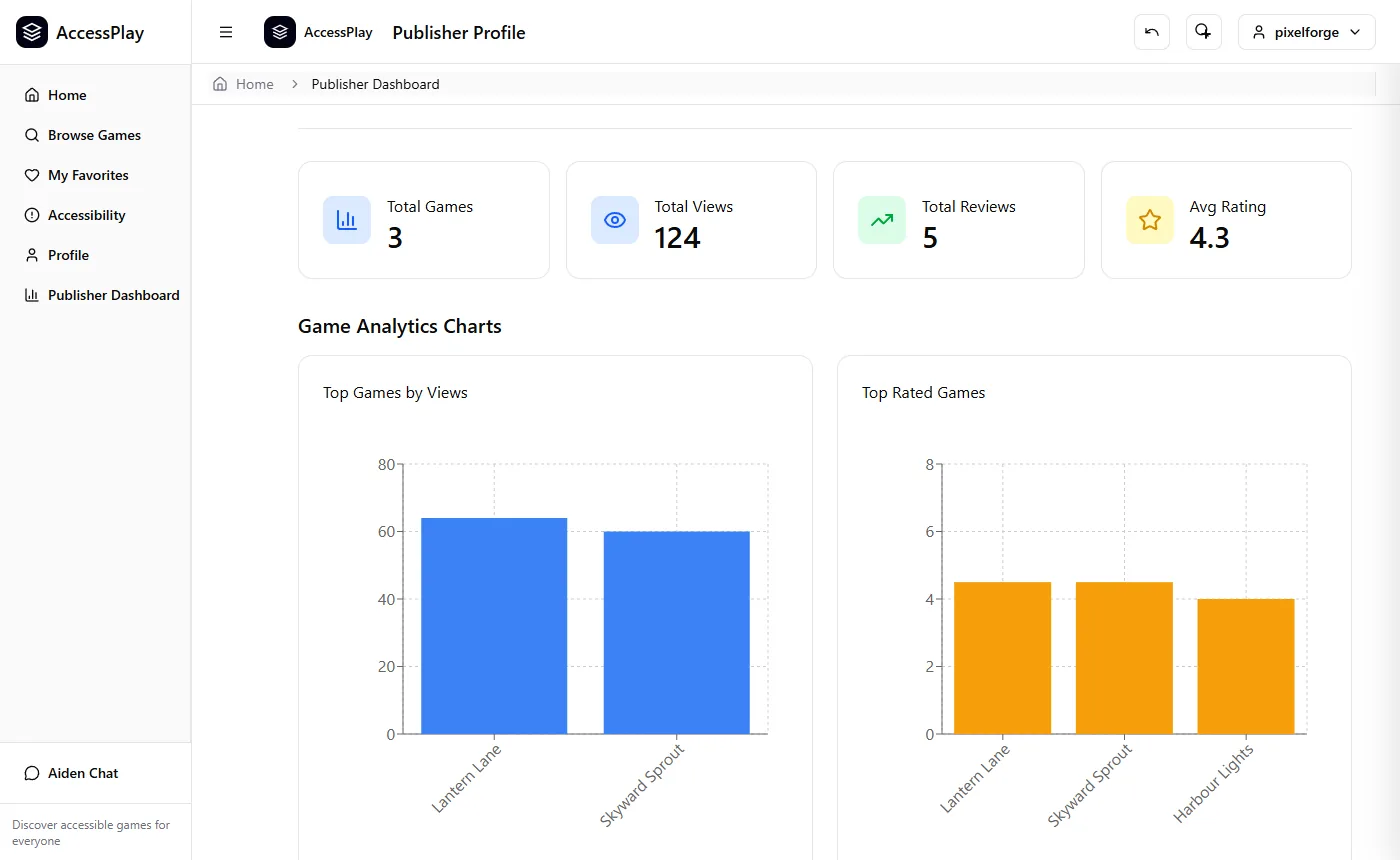
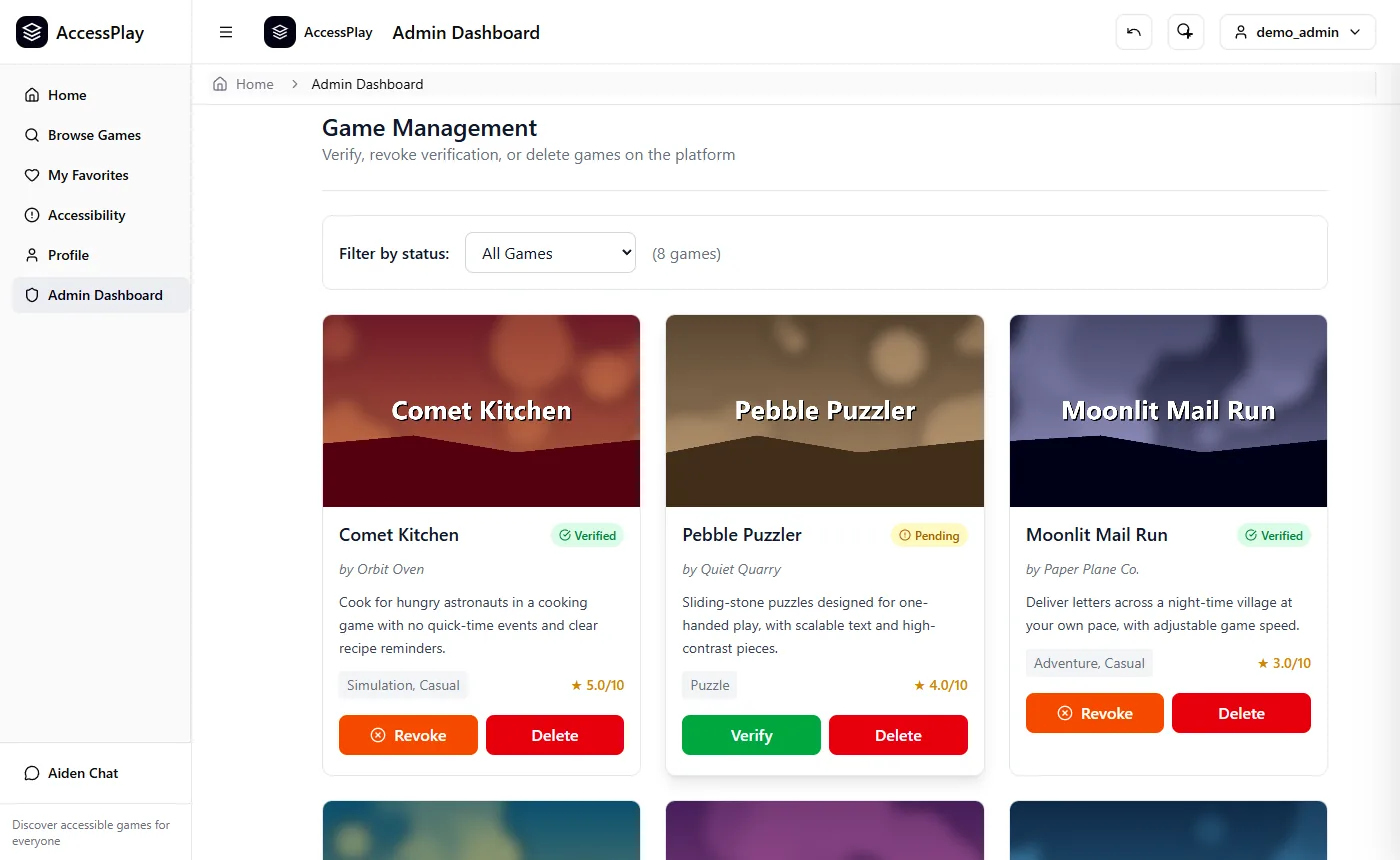
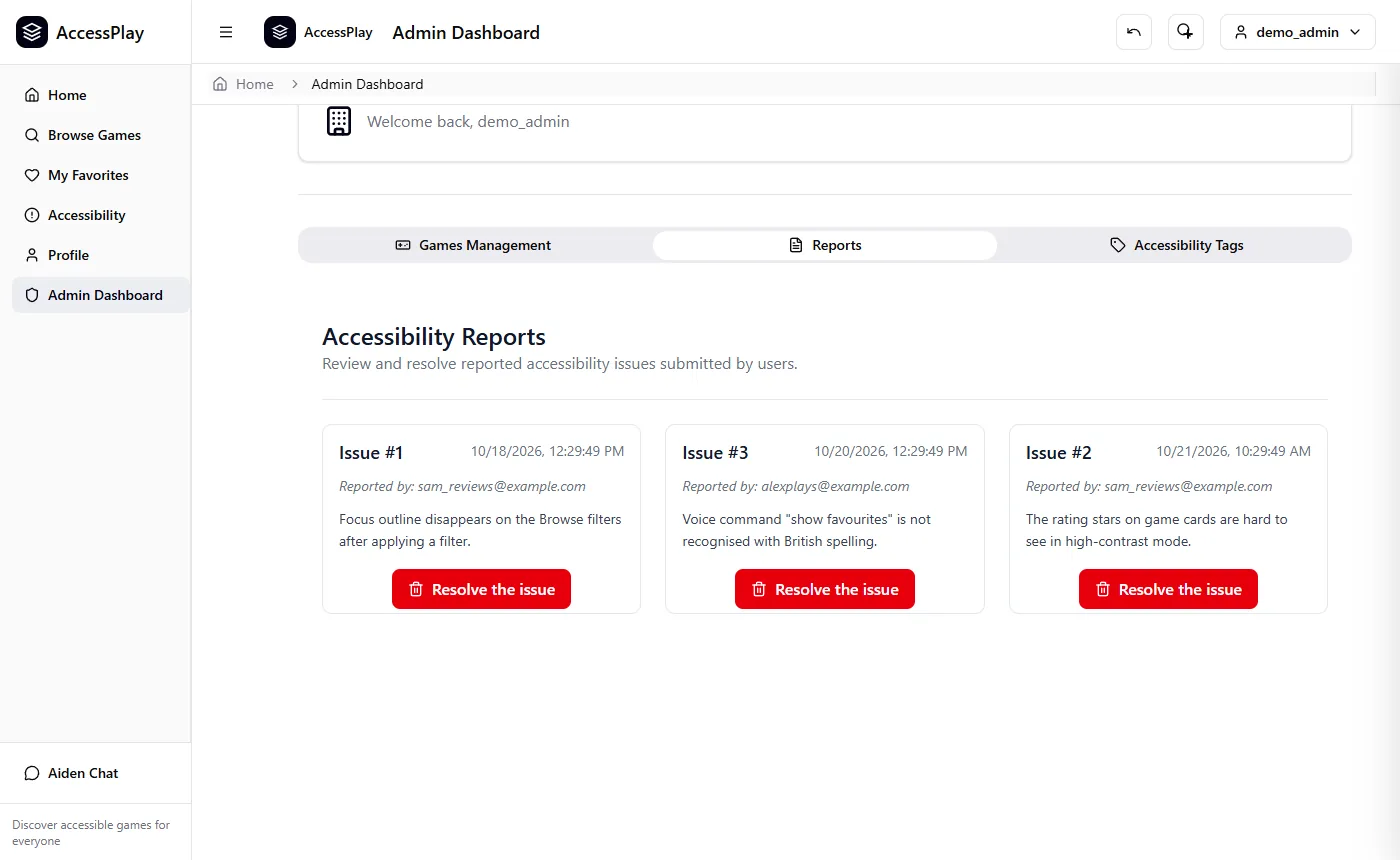
7 screenshots from a local run with demo data: use the arrows or scroll sideways.
Overview
Finding out whether a game has subtitles, one-handed controls or screen reader support usually means digging through store pages and forums. AccessPlay puts that information first. Players filter a catalogue of mobile games by the features they need, and every game page lists its features by category alongside reviews that say which ones actually helped.
The front end is React with TypeScript and Tailwind, built with Vite. It talks to a NestJS REST API that uses Prisma over PostgreSQL (hosted on Neon) and stores uploaded images in AWS S3. Docker Compose runs the whole stack.
My role & team
We were a team of five working over about seven weeks, from October to December 2025. We worked from GitLab issues on feature branches and merged through reviewed merge requests. My parts were:
- Security hardening. I audited the games API, wrote up the weaknesses I found and fixed them (see Security below).
- Admin dashboard. An admin-only area for verifying, revoking or deleting games and managing accessibility tags, plus a Reports tab, front and back end, for resolving accessibility issues that users submit.
- Home page and similar games. The home page with its featured-games carousel, and the "You May Also Like" suggestions: a backend query for other games sharing a genre, falling back to the newest games when there are none.
- CI/CD. A GitLab CI job that runs the backend unit tests with coverage on every branch. The university's runners couldn't run Docker, so I also wrote Terraform that provisions an OpenStack VM and boots a pre-configured Jenkins server, and a Jenkinsfile that tests, builds the Docker images and deploys the stack with Docker Compose.
- Tests. Unit tests for the app, admin and accessibility-issue controllers and the similar-games logic, plus an end-to-end test of authentication on the admin route.
Teammates built the authentication, the publisher dashboard, the accessibility settings and the AI assistant.
Key features
- Search, plus filters for visual, hearing, dexterity and cognitive accessibility features.
- Accessibility preferences saved to each user's account and applied on every page: text size (10–32 px), theme, high contrast, a dyslexia-friendly font and colour-blind filters.
- Game pages with features grouped by category, trailers with text transcripts, similar-game suggestions, and reviews that record which features helped. A PostgreSQL trigger keeps each game's average rating up to date.
- A publisher dashboard for adding and editing your own games, with charts of views, reviews and ratings.
- An admin dashboard for verifying games, managing accessibility tags and resolving reported issues.
- Built-in aids: an undo button, a screen magnifier, and an AI assistant ("Aiden") with speech input and spoken replies, running a local Llama 3.2 model through Ollama.
Security
The first two points are from my hardening pass; the rest is the team's. I checked each one against a local run of the app.
- Locked-down HTTP layer. CORS accepts only listed origins, methods and headers, and every response carries security headers:
X-Frame-Options: DENY,nosniff, a Content Security Policy,Referrer-PolicyandPermissions-Policy. - Validated, bounded queries. Game IDs and pagination go through
class-validatorDTOs: IDs must be positive integers and pages are capped at 100 items, so one request can't pull the whole catalogue. Responses use Prismaselectto return only the fields they need, and unexpected errors come back as generic messages rather than database errors. - Role-based access control. Passport JWT authentication with 24-hour tokens and a roles guard. Only publishers and admins can add or edit games, publishers can only change games their own studio owns, and only admins can verify games or manage tags.
- Passwords. bcrypt with a cost factor of 12. Sign-up requires at least 8 characters with upper- and lower-case letters, a number and a symbol, and login gives the same error for an unknown email as for a wrong password.
- No mass assignment. A global validation pipe strips and rejects fields that aren't in the DTO, so a sign-up request can't set
"role": "ADMIN".
What I'd improve next
Reviewing it now, these are the changes I'd make first:
- Check the
ADMINrole on the issue-report API routes I wrote. They require a valid login, but only the dashboard page restricts them to admins. I'd add end-to-end tests that a normal user gets a 403 on every admin route. - Validate the create and update payloads for games with DTOs. They're currently TypeScript interfaces, which the validation pipe can't check at runtime.
- Move the JWT from
localStorageinto anhttpOnly,SameSitecookie, and drop'unsafe-inline'and'unsafe-eval'from the CSP, so a cross-site scripting bug couldn't steal a session. - Make the Jenkins pipeline fail when tests fail (at the moment it logs a warning and carries on), and put Jenkins behind authentication with tighter firewall rules before using it beyond a short-lived university VM.